


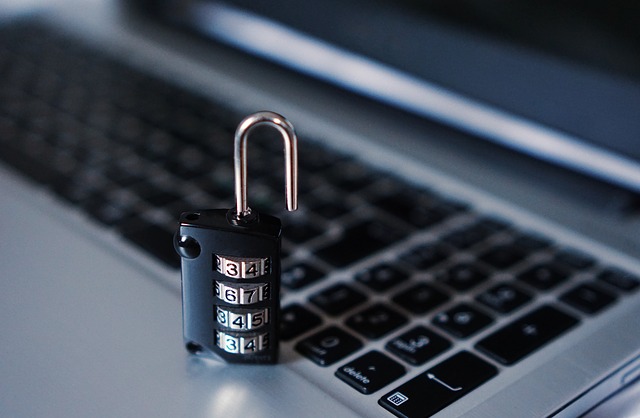
Protect your Forex trading account by using strong unique passwords, reliable antivirus software, two-factor authentication, and avoiding suspicious emails or links. Scammers target traders through malware, phishing, and social engineering to steal login credentials and drain deposits.
Many traders overlook financial security despite growing account balances, making them vulnerable to account hacks that result in total losses. Even experienced traders with stable profits can lose everything from basic security oversights.
Avoid Malware from Internet Downloads and Links
Scammers steal Forex login credentials using Trojan viruses disguised as software downloads, ads, or links. These often evade free antivirus programs, so scan your computer thoroughly with premium antivirus tools before registering with any broker.
Never Store Account Details in Email
Hackers commonly access trader data via compromised email accounts containing broker registration letters. Delete these emails permanently after securely noting details elsewhere, as public email services are easy targets for skilled hackers.
Phishing emails mimic brokers, urging password changes or fake contests like “You’re our 100,500th visitor.” They use similar sender addresses with dangerous links—never open or click them.
Some emails trigger malware that extracts all saved logins and sends them to scammers when opened.
Use a Dedicated Secure Email for Trading
Minimize email hack risks by creating a separate email solely for broker communications, never used elsewhere. Scammers may directly request passwords under false pretenses—never share them, as no legitimate entity asks for your credentials.
Label fields as “Personal Password” or “Personal Trading Cabinet” to emphasize privacy. Your account password is strictly personal and non-transferable.
FAQ
How do Forex scammers steal account logins?
They use Trojans from fake downloads, phishing emails mimicking brokers, or malware that extracts saved credentials from your device.
What is the safest way to store trading account details?
Use a dedicated email for brokers only, delete confirmation letters after secure offline storage, and enable two-factor authentication everywhere.
Should I click links in emails claiming to be from my broker?
No—verify directly on the official site. Suspicious links lead to phishing sites that capture your login or install malware.